
SONAN TECH · WillisFacebook · Preview
Back-to-school laptop check: free diagnostics this week at our Willis store.
Free laptop checkTHIS WEEK
How it works
Five steps. You do two of them — the brief and the approval. MAP does the rest, and shows its work.
What, where and for how long — or pick a holiday template.
You · 2 minDates, topics and platforms across your content pillars.
MAPCaptions per platform and a branded image, from approved facts.
MAPTrue previews on your phone. Edit, approve or send to your client.
You · minutesAt the times you set, for every location. Failures retried.
MAPStep 1 · You
Type it like a message — “Back-to-school laptop checks, Willis, next 3 weeks” — or start from one of the holiday templates.
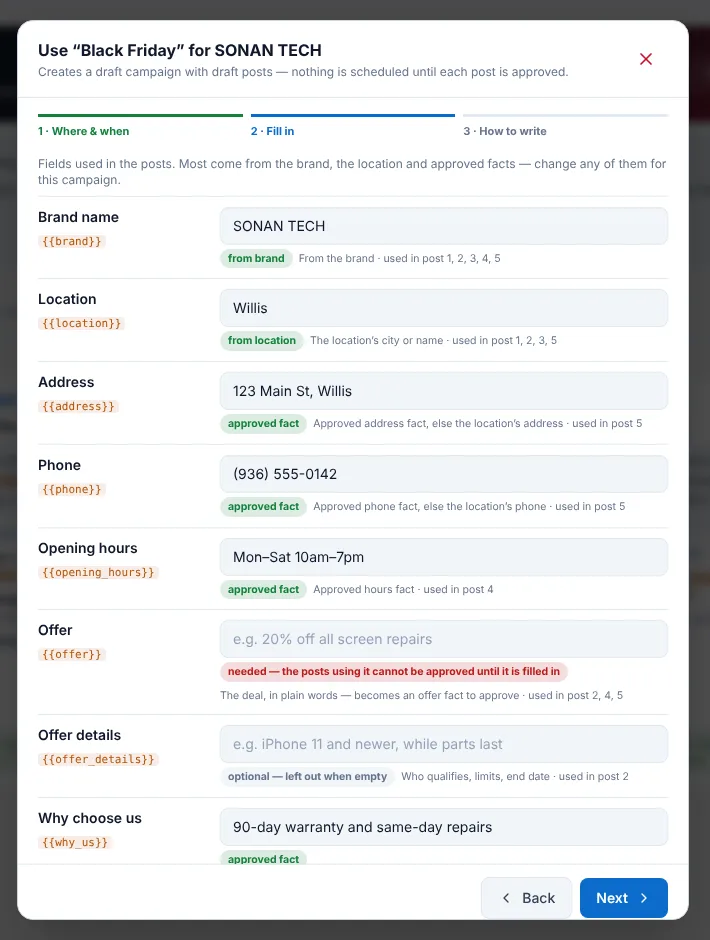
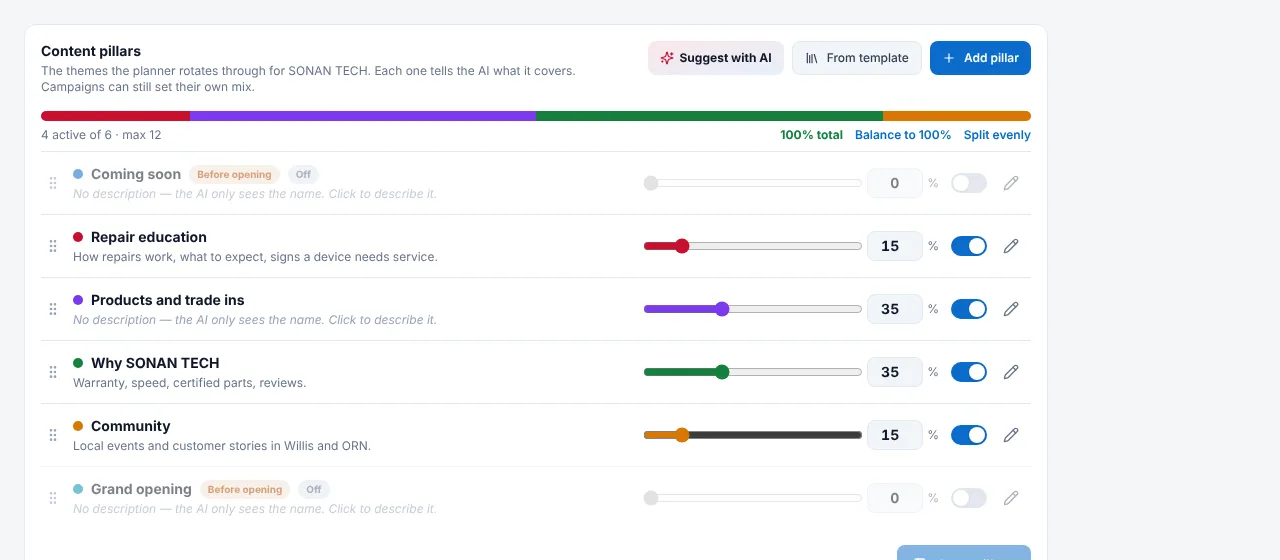
Step 2 · MAP
It spreads posts over your content pillars and the days that work, and shows you the plan before writing a word.
Step 3 · MAP
Captions written for each platform from your approved facts, hashtags from your own library, and a branded image — your photo first.
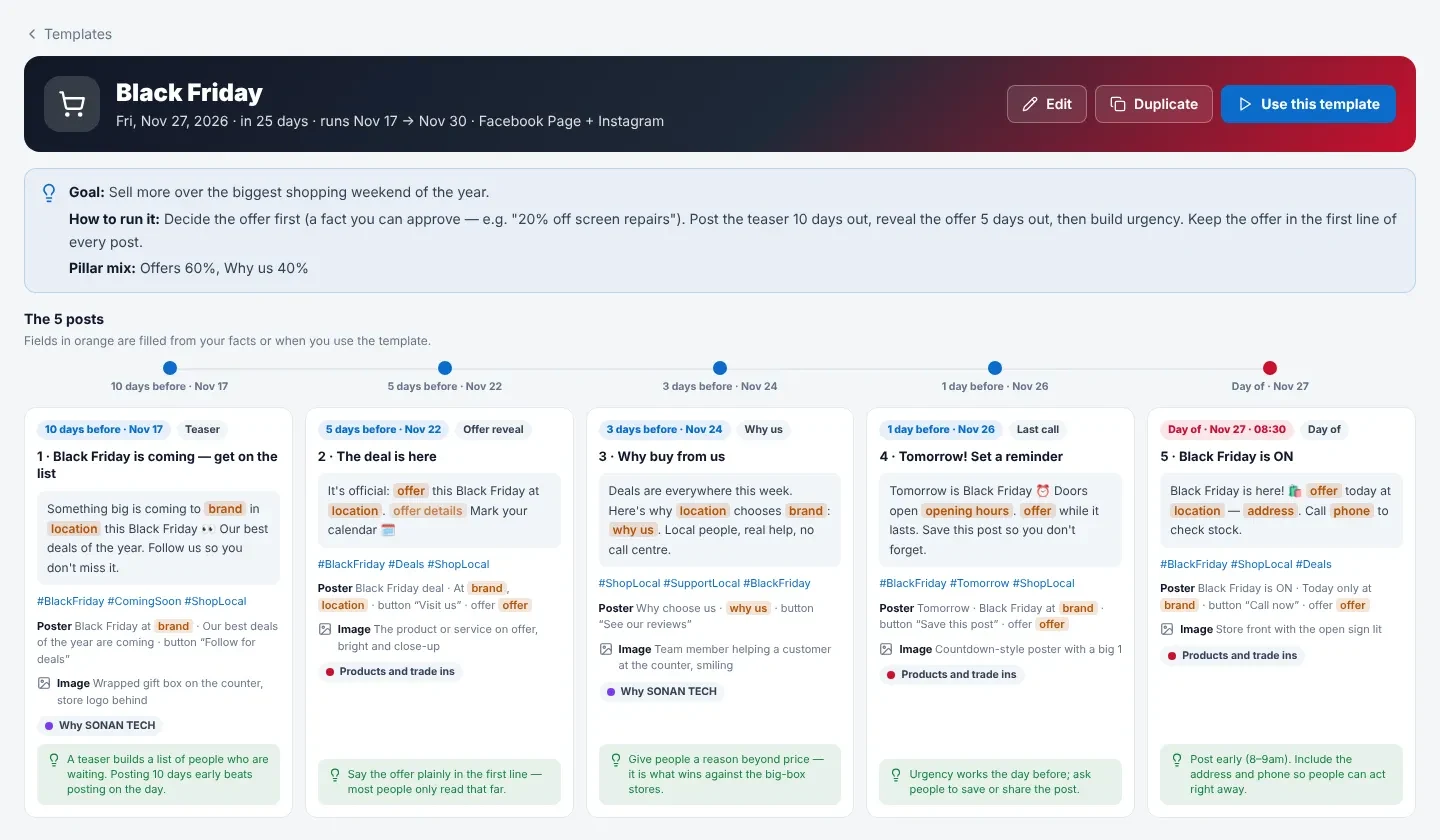
Step 4 · You
See each post exactly as Facebook, Instagram and Google will show it. Approve, change a word, or send a link to your client.
Step 5 · MAP
Each post goes to the right Page and profile at the time you set for that location. If a platform has a hiccup, MAP tries again.
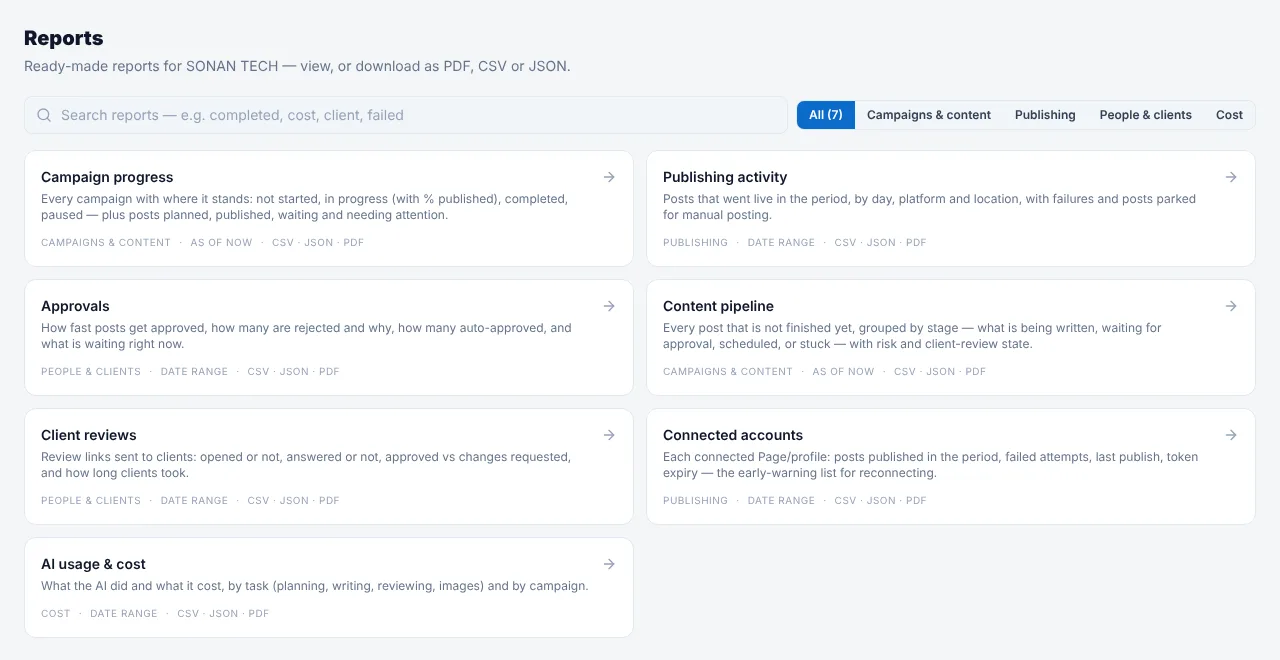
A 20-minute demo: we connect a Page, approve a few facts and plan your first campaign — live.